From a sentence to a live page
You see your page before you make an account.
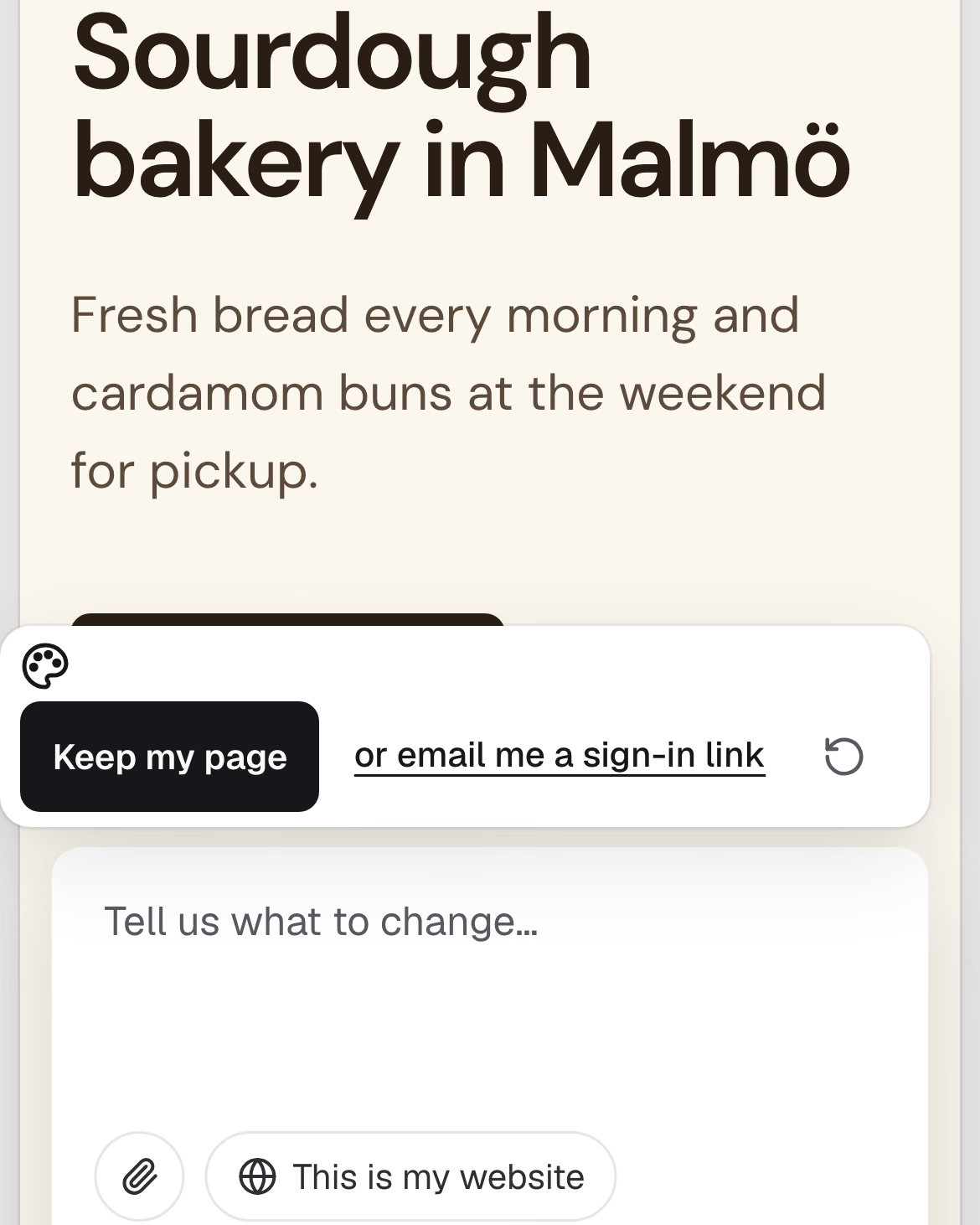
Describe your business
What it is called, what you do, where, when you are open, what things cost. Or paste the website you have now.
Read what comes back
The page is written from your words only. Leave out your hours and it says they are missing. It won’t make up Monday to Friday.
Change it in plain words
“We are closed on Mondays now.” “Put the phone number at the top.” The page changes while you watch.
Keep it and put it live
Sign in with Google or an emailed code, then put the page live at an address ending in klarhimmel.page. Free.
What it doesn’t do yet
One page, not a whole site
For hours, prices and a phone number, one page is often enough.
Bookings and payments happen elsewhere
The page tells people how to book or order: by phone, by email, or through the service you already use.
Your own domain waits for Starter
A domain you own comes with Starter. Starter isn’t open yet, but there’s a waitlist.
It won’t get you found on its own
Showing up on Google takes a business profile and reviews. That’s a separate job.
Let your own agent build it
Claude Code, or any agent that uses MCP, can write the page while you watch.
Start on the home pageclaude mcp add -t http kh https://mcp.klarhimmel.com/buildAdded HTTP MCP server kh with URL: https://mcp.klarhimmel.com/build
Setup prompt
Build a one-page website for my business with Klarhimmel. Pair with my page using the code it shows me, ask me what the business does, then write the page.