A Design System for You and Your AI Agent
Components, page blocks and templates on one set of tokens. Build with React and Tailwind, and own the source.
Every width
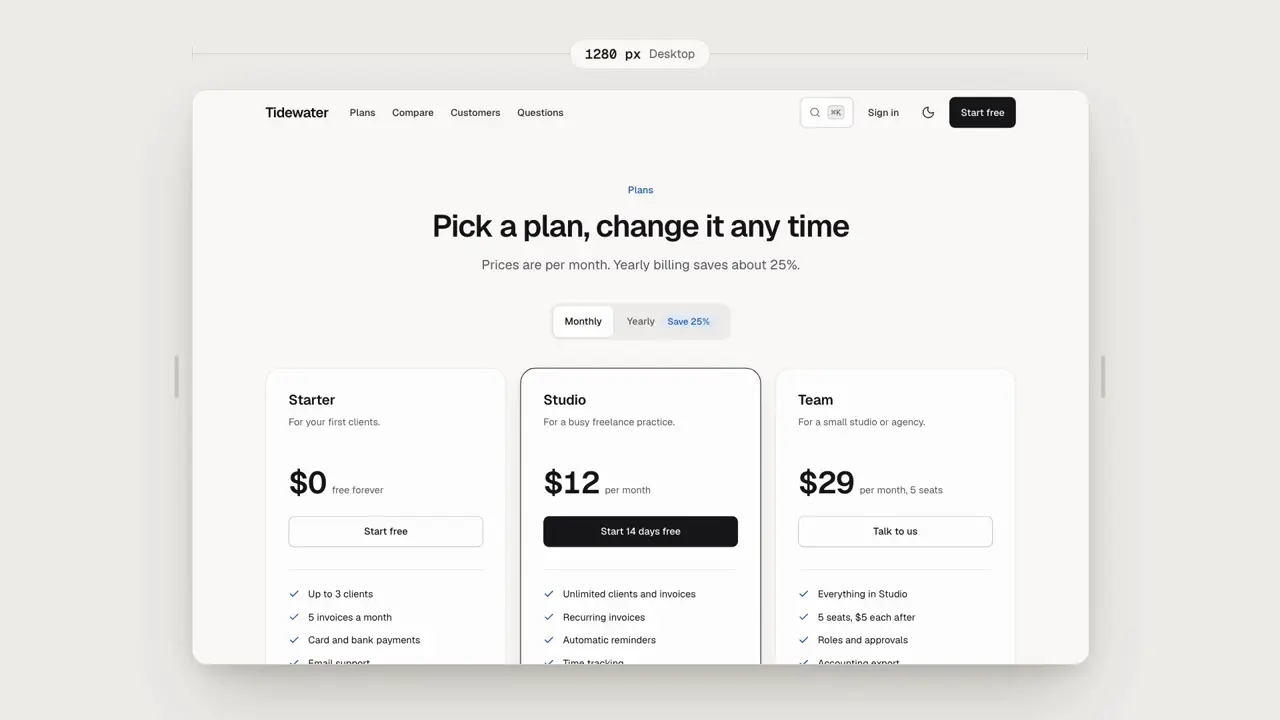
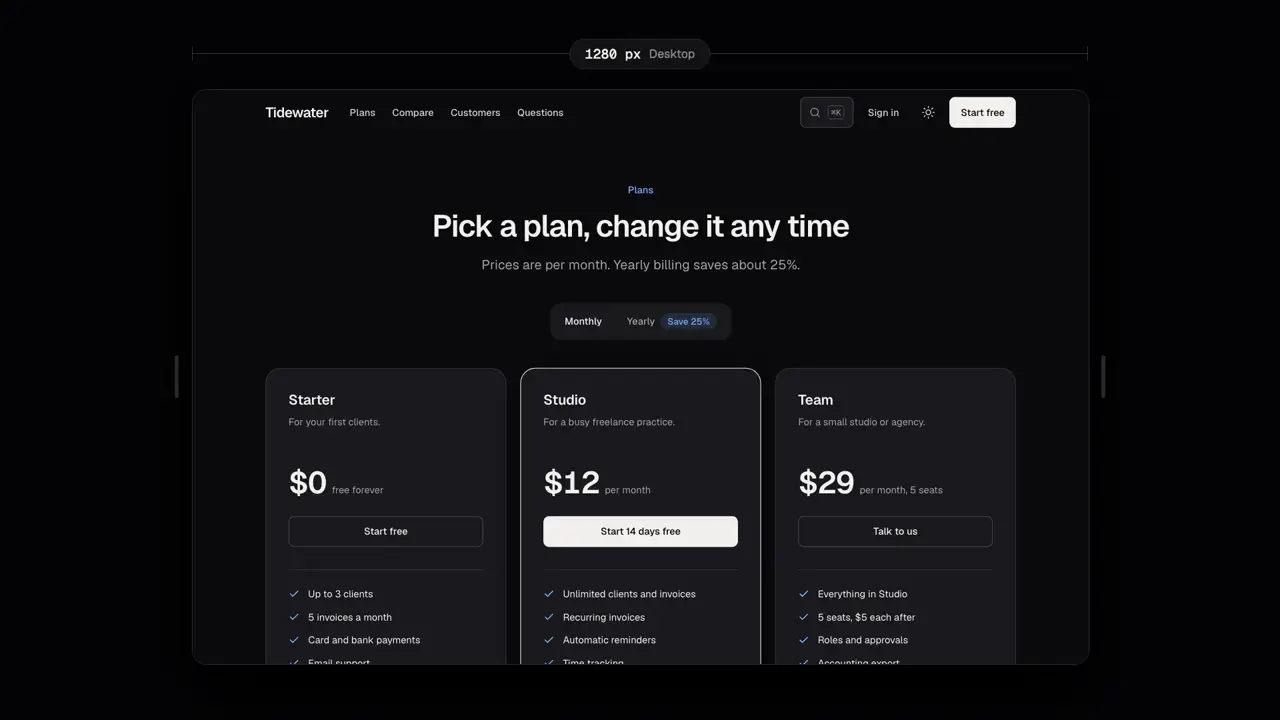
Start where you are
Two ways in, one library
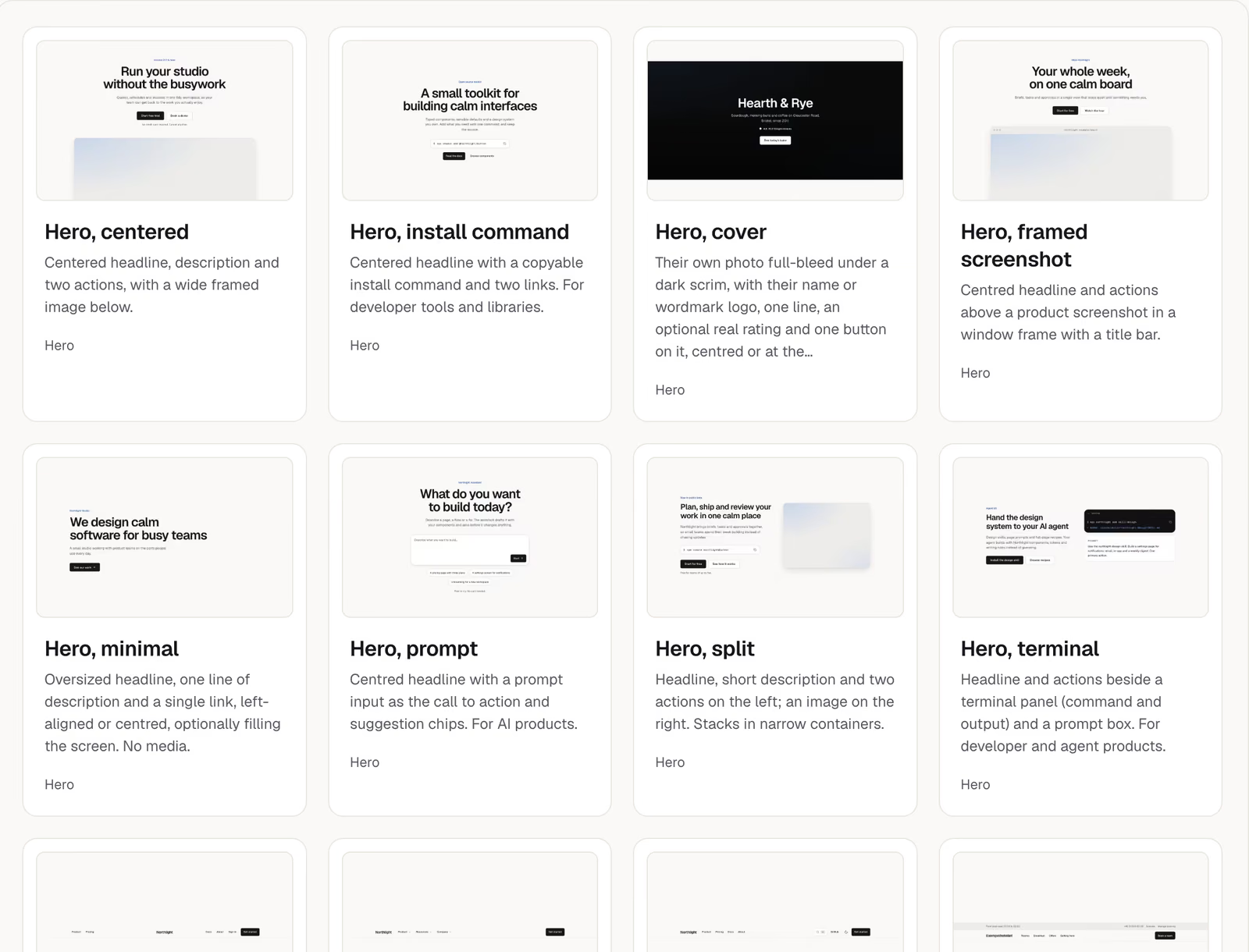
Every block has a live preview for you, and a Markdown twin and a registry entry for your agent.
You build the page
Browse the blocks and components, try each one with the props panel and the viewport toggle, then copy the source into your app. It is yours to edit.
- npx shadcn add https://ui.klarhimmel.com/r/hero-split.json
- React 19 and Tailwind CSS 4
Your agent builds the page
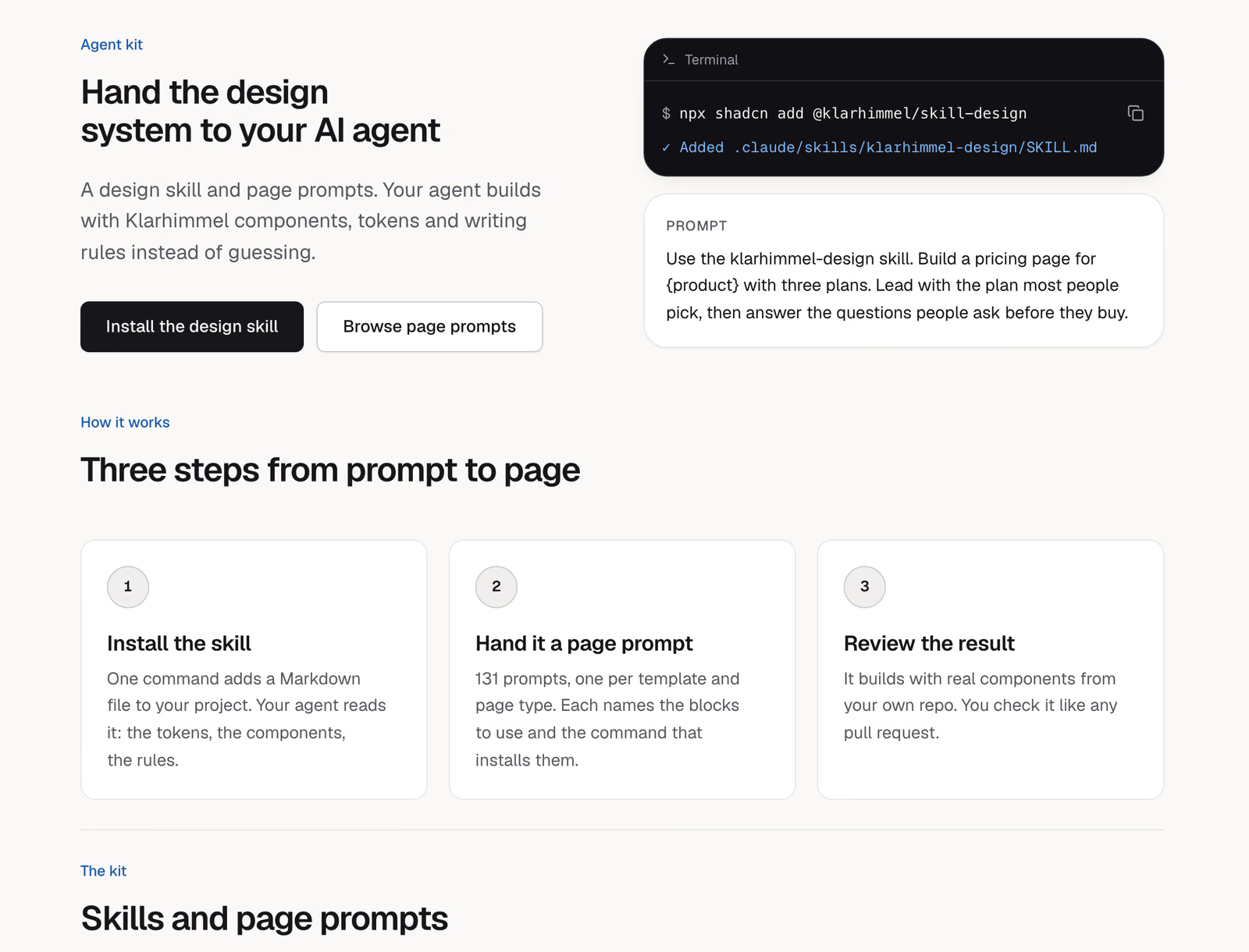
Install the design skill so your agent knows the tokens, the blocks and the rules. Then hand it a page prompt, or point it at llms.txt.
- npx shadcn add https://ui.klarhimmel.com/r/skill-design.json
- Every page has a Markdown twin
Built for agents
Your coding agent can read the whole kit
llms.txt
One line per item with what it is for.
Copy for AI
Any page as Markdown, in one click, or add .md to its URL.
Design skill
Teaches your agent the tokens, blocks and rules.
Registry
Every item installs with npx shadcn add and its address.
Start with one block
Free and open source, MIT licence. The same blocks build klarhimmel.com.