Guides24 Oct 2026 · Guide
Carpenter website: what to put on it and how to start one
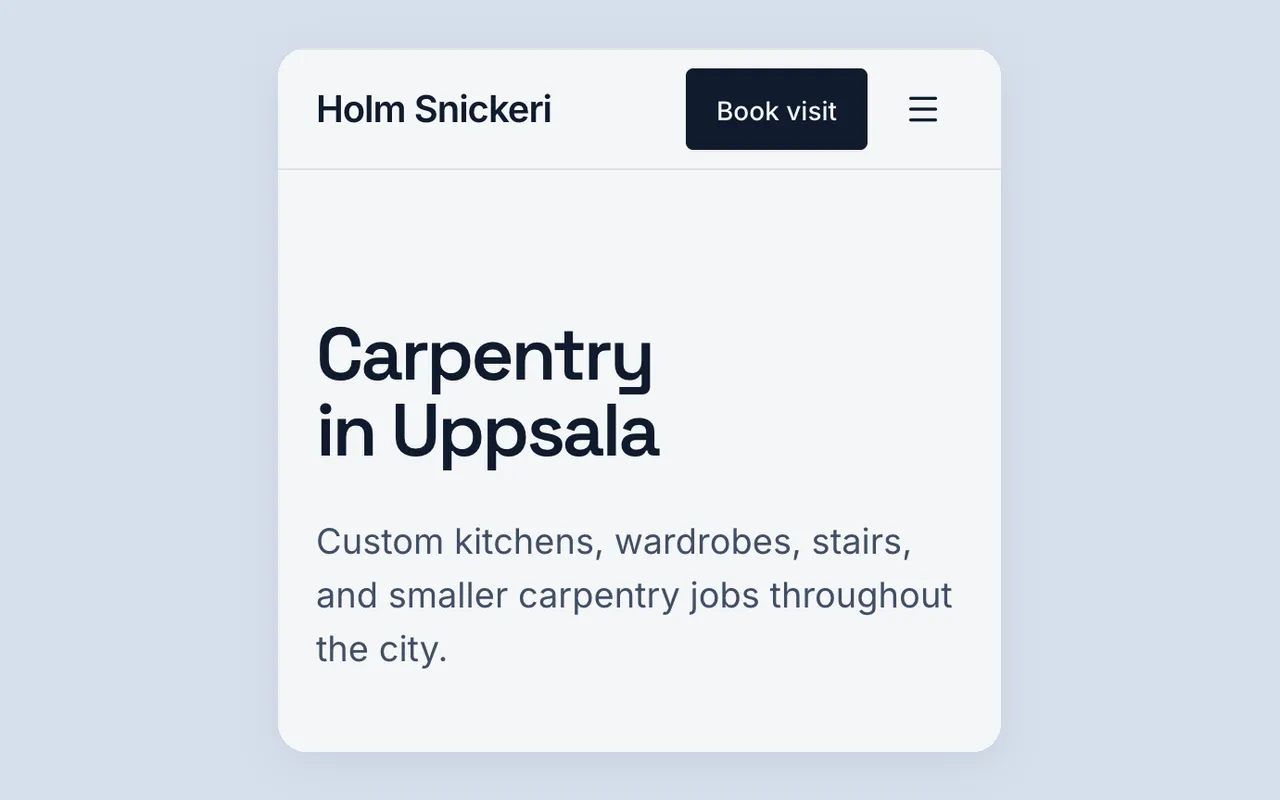
What you build and fix, where you work, how a visit and a quote work, with a sample description to try.
How to describe your business, check an AI-built page and put it live. Written for owners using Klar Builder.
What you build and fix, where you work, how a visit and a quote work, with a sample description to try.

Inside or outside, the area you cover, how a quote works and how long a job takes, with a sample description to try.
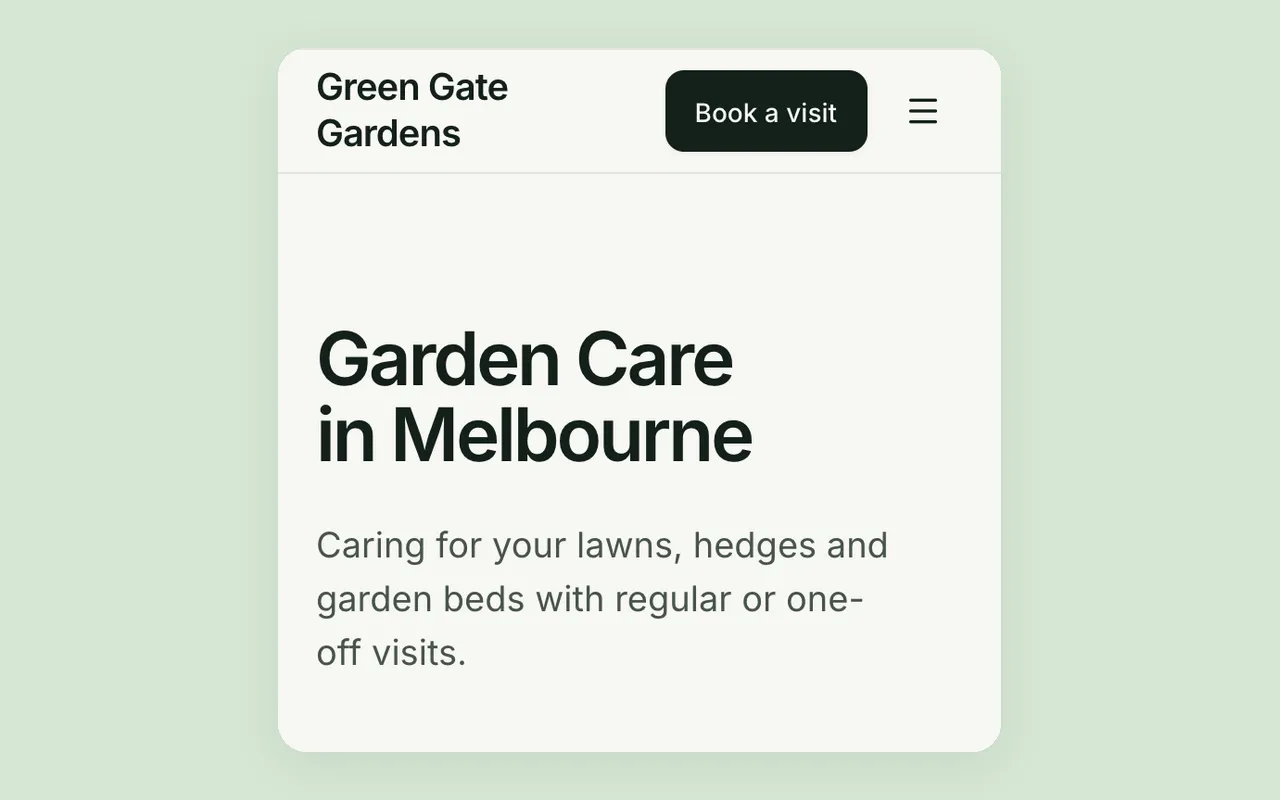
The garden work you take on, regular or one-off visits, your area and prices, with a sample description to try.
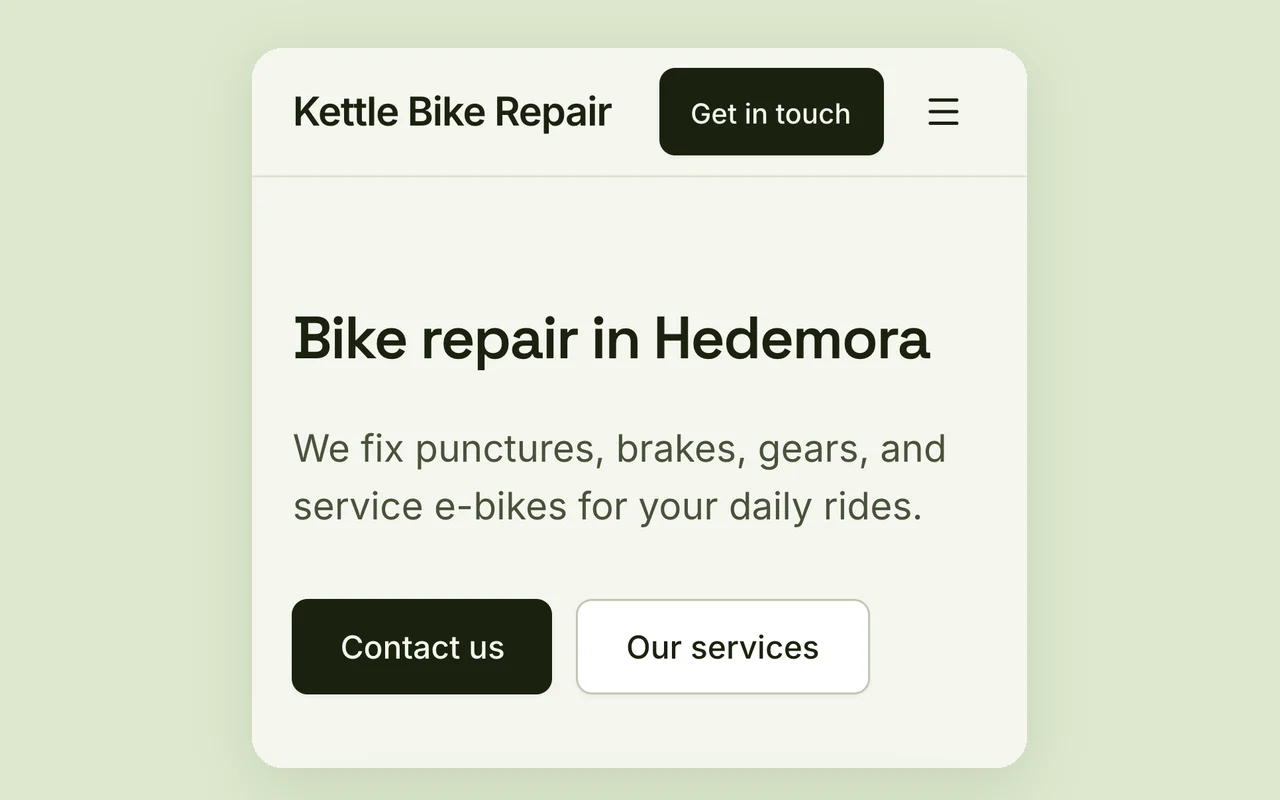
See a first page before you make an account: what happens next, what is free, and four things to check in any no sign-up builder.
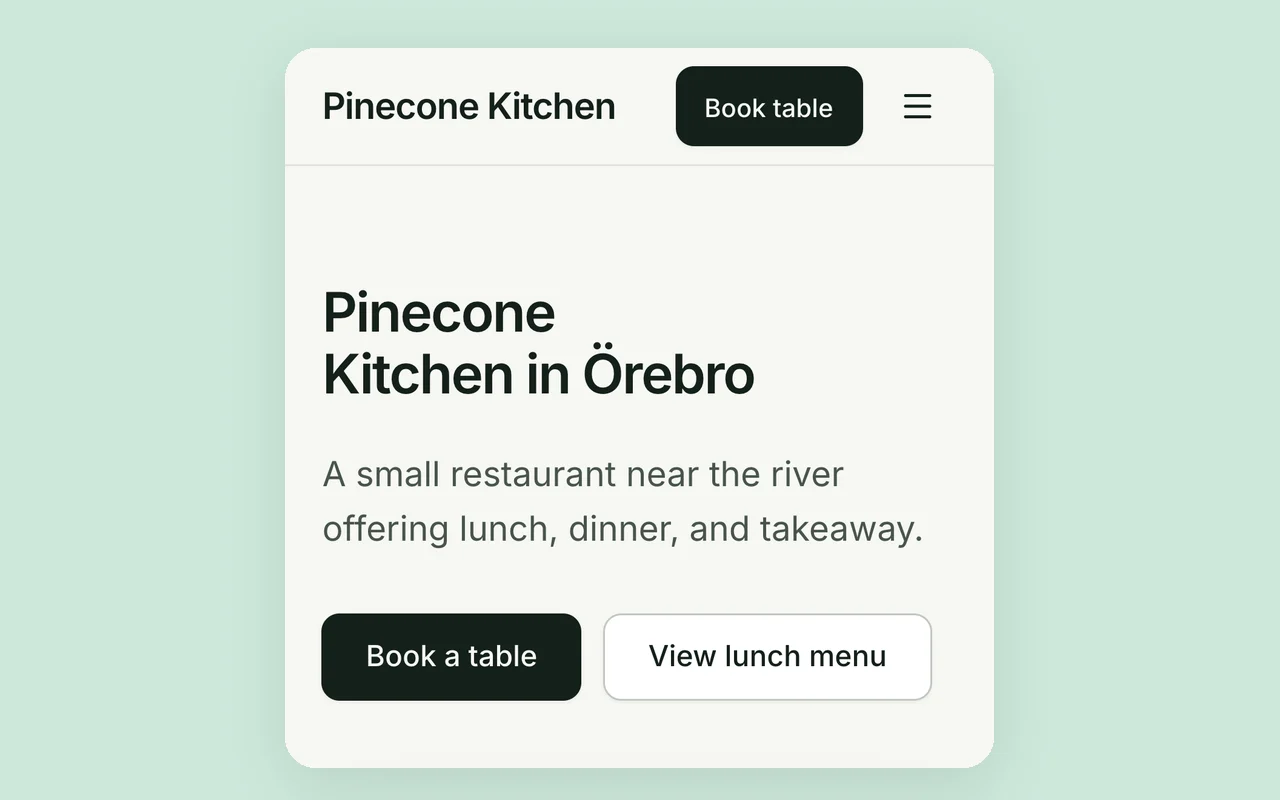
Hours, menu as text, where you are and what to do about booking: what goes on the page, and what Klarhimmel does not do yet.
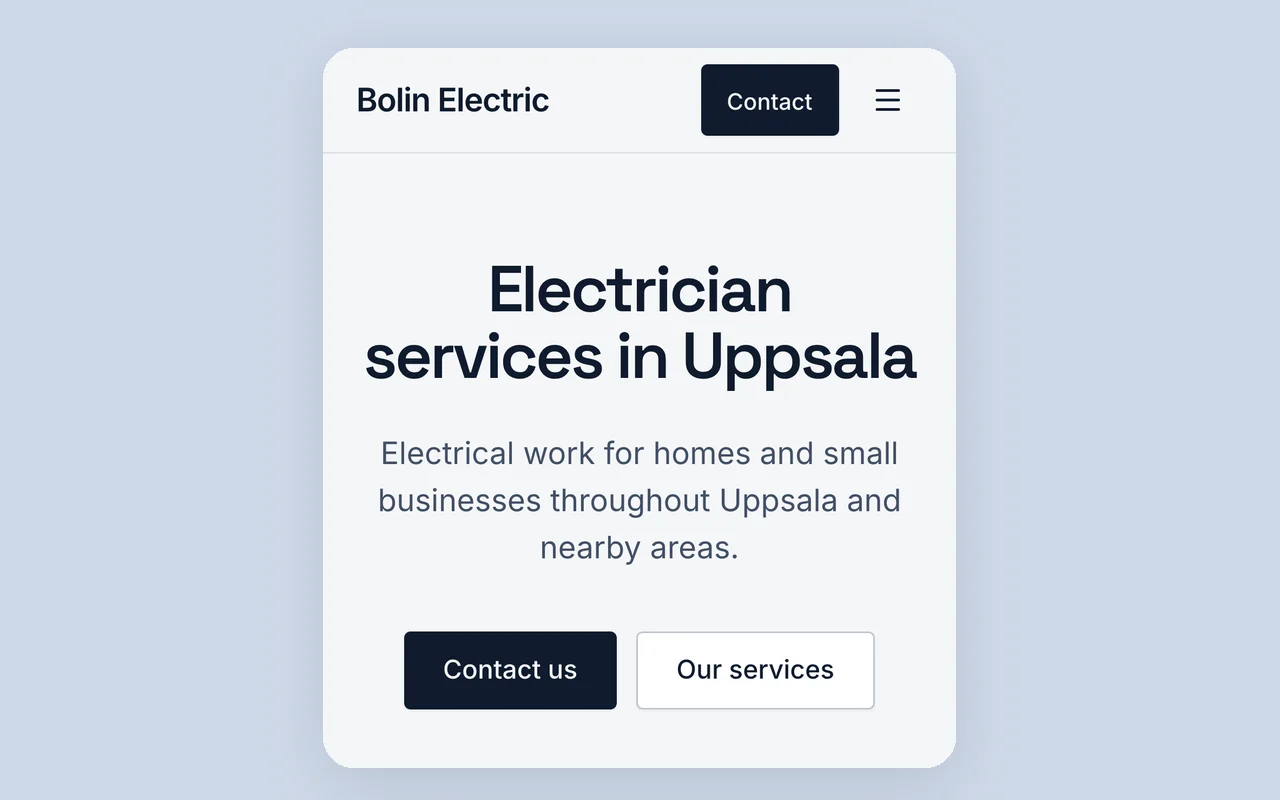
Area, jobs, how to reach you and what to do about quotes and payment while a page has no form.
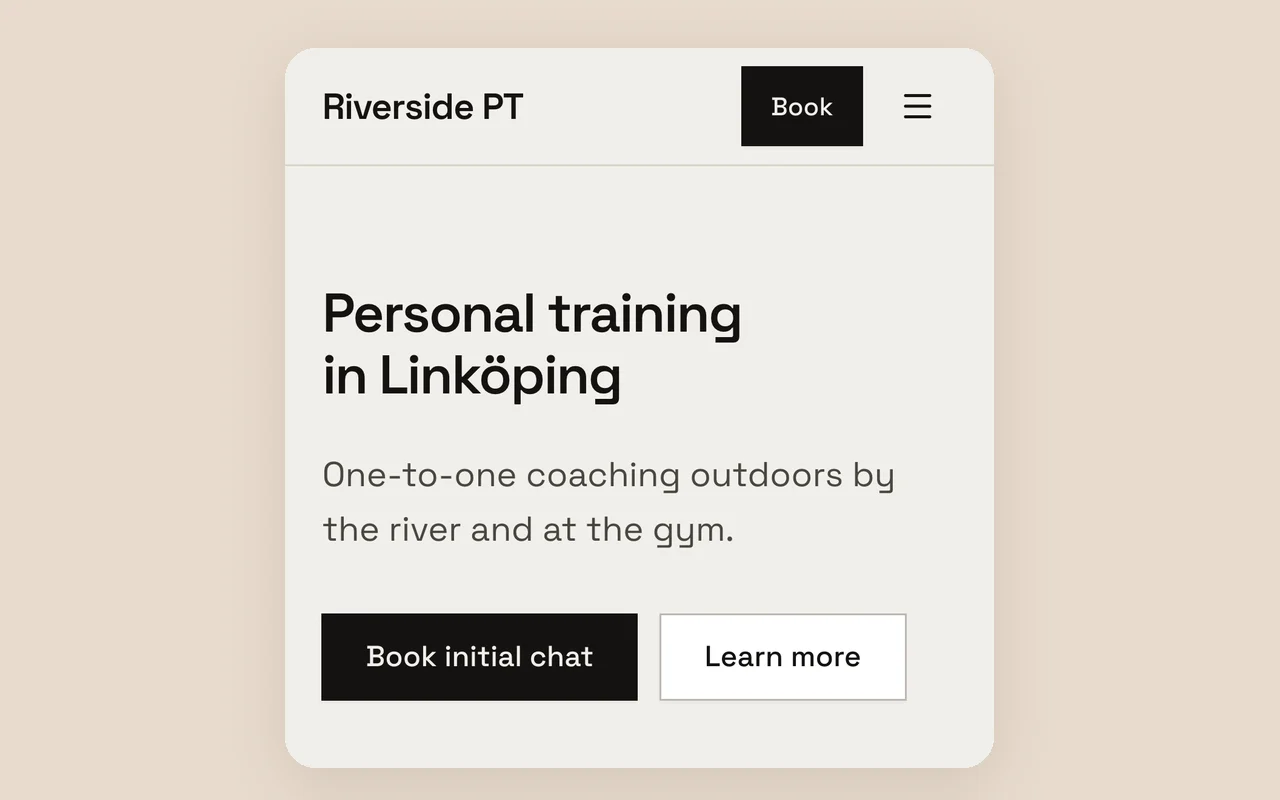
Who you coach, where, how a first session starts and your prices, with a sample description to try.
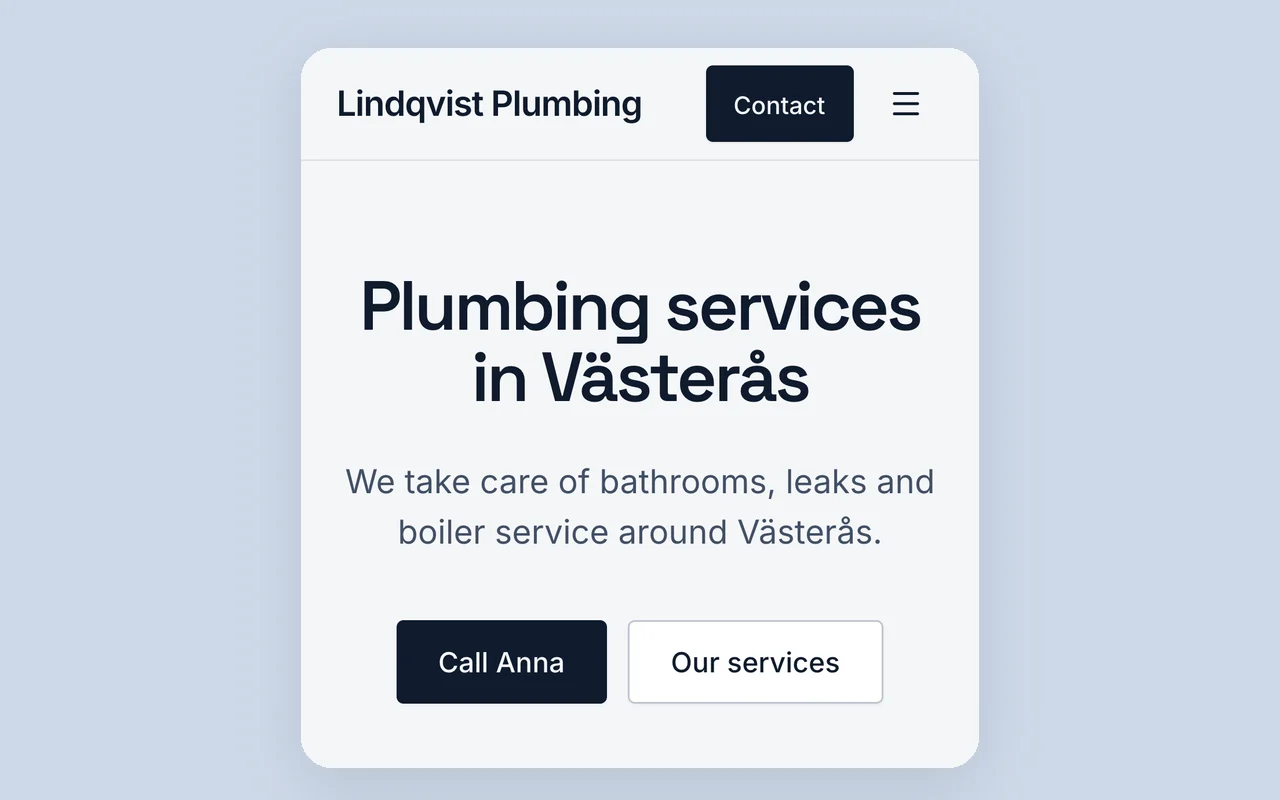
Write the description, check what comes back, fix it in plain words. Where AI gets a business page wrong and what to check.
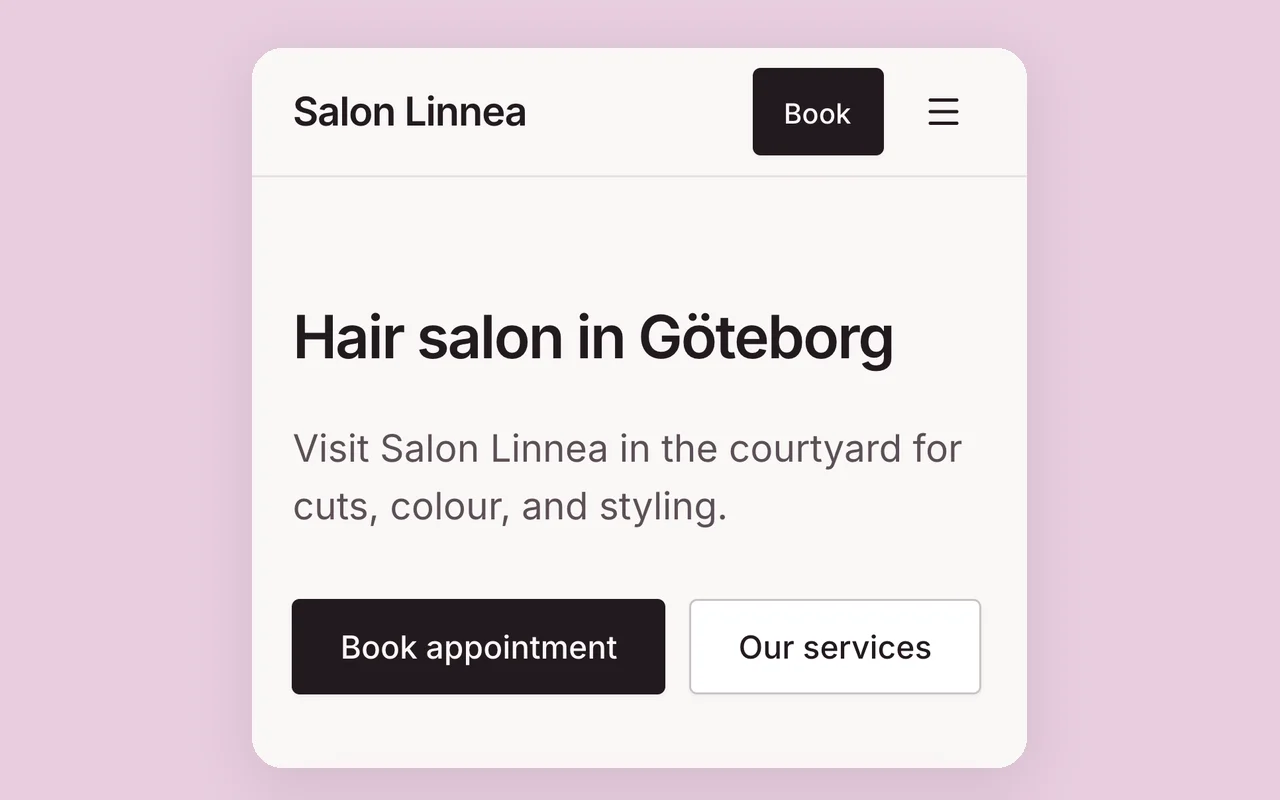
Hours, where you are, prices and how people book or order: what to put first, and what Klarhimmel does not do yet.

The free steps an owner does alone: Business Profile, Search Console, a page per service and honest reviews.