Export to GitHub
Take your site’s files with you.
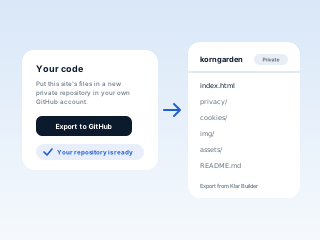
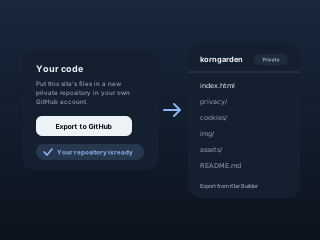
One button in Settings puts your published site in a new private repository in your own GitHub account: plain HTML and CSS you can host anywhere, with no build step.
How it works
Open Your code in Settings
Sign in, open the site’s Settings and choose Export to GitHub.
Allow it on GitHub
The first time, GitHub asks you to install Klar Builder’s app on your account.
Your repository is ready
Private, named after your business: your page, its legal pages, pictures and a README on how to host it.
What it doesn’t do yet
Each export is a new repository
Changes you make later don’t update it. Export again and you get a second one.
Plain files, not an app
You get the published HTML, CSS, fonts and pictures, not code for a framework.
Questions
Does it cost anything?
No. Any signed-in owner can export a site they keep.
Can I take the app off my GitHub account after?
Yes. Remove Klar Builder under Applications in your GitHub settings. The repository stays yours.
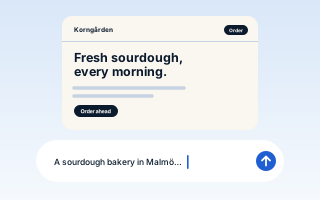
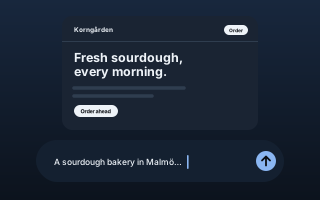
See your page before you sign up
Build my free page
Free, no card.